Small Joys, Big Adventures: August 2026 Wallpapers
August is a strange and wonderful month. It's that lazy, sun-soaked stretch where the calendar feels both wide open and quietly urgent. Maybe you're sipping iced coffee on a terrace with nowhere to be. Or maybe you're staring at a blank project plan, gearing up for a fall launch. Either way, your desktop deserves a refresh.
I've never been one for strict "out with the old, in with the new" decluttering rituals. But changing my wallpaper? That's a tiny, almost instant moment of joy. It costs nothing, takes ten seconds, and completely changes how my laptop feels. This month, I've been thinking about two themes that feel right for August 2026: small joys and big adventures.
Why a Wallpaper Change Actually Matters
Let's be honest — a wallpaper isn't going to fix your productivity, your sleep schedule, or your inbox. But it does something subtle and real. It resets your visual environment. You look at your screen hundreds of times a day. When that screen greets you with something beautiful, calming, or motivating, it nudges your brain into a better state. It's a micro-ritual.
I think of it like this: the wallpaper is the background music of your workday. You barely notice it, but it shapes the atmosphere.
Small Joys: Wallpapers That Feel Like a Warm Hug
The "small joys" theme is all about softness, warmth, and presence. Think golden-hour light, gentle gradients, minimalist botanical illustrations, or a photo of a quiet café corner. These wallpapers are for the days when you want to slow down.
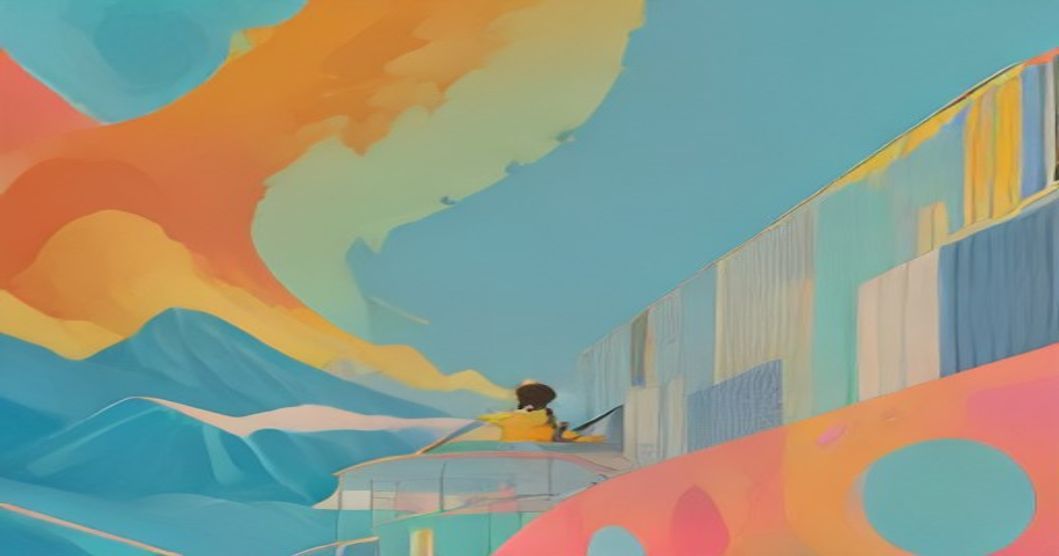
One of my favorites this month has to be the pastel sunset gradient with a tiny, almost hidden hot air balloon. It's simple, a little whimsical, and it reminds me that adventure doesn't always mean grand gestures. Sometimes it's just noticing the sky on your evening walk.
Another great option is anything with warm orange tones — peach, terracotta, dusty pink. I found an incredible shot of the Mediterranean coast at dusk on Unsplash (https://unsplash.com) that I've been rotating on my personal laptop. It feels like a postcard from a lazy summer evening.
How to Build a "Small Joys" Wallpaper Collection
1. **Search for "golden hour" or "cozy"** on Unsplash or Pexels (https://pexels.com). These keywords surface warm, soft images.
2. **Look for texture over detail.** A slightly blurred photo of leaves in the sun works better than a sharp, busy image that competes with your icons.
3. **Try muted tones.** Bright, saturated colors can be distracting on a desktop with lots of windows open.
Big Adventures: Wallpapers That Light a Fire
On the flip side, maybe you're in "big adventure" mode. August is peak time for saying "yes" to that road trip, that new project, that risky but exciting career move. Your wallpaper can reflect that energy.
For this theme, I'm drawn to dramatic landscapes — jagged mountain peaks, vast deserts, stormy oceans. There's a photographer on Wallpaper Abyss (https://wall.alphacoders.com) whose black-and-white shots of Patagonia are absolutely unreal. Using one of those as my wallpaper made my boring Tuesday spreadsheet session feel way more epic.
The key here is contrast. A dark, moody wallpaper with strong lines creates a sense of depth and possibility. It pushes you to think bigger.
The Desktop Setup That Works
A quick practical tip: whatever wallpaper you choose, pick one that keeps your desktop icons readable. I like to put my icons on the right side of the screen, leaving the left side clean. That way, the best part of the image isn't hidden behind a stack of folders.
On macOS, I discovered a neat trick: if you right-click the desktop and choose "Use Stacks," your files automatically group themselves by type. It keeps the desktop clean while still letting the wallpaper shine. On Windows 11, the "Alignment" settings let you pin icons to whichever corner feels right.
Where to Find the Good Stuff
Finding high-quality wallpapers isn't hard, but finding the right one can be. Here's my shortlist of reliable sources:
- **Unsplash (https://unsplash.com):** My default. Massive library, searchable, and every photo is free for commercial and non-commercial use. The mobile app is great too.
- **Pexels (https://pexels.com):** Similar to Unsplash but with a slightly different vibe. I find their collection leans a bit more "lifestyle."
- **InterfaceLIFT (https://interfacelift.com):** Quietly one of the oldest wallpaper sites around. Great for ultra-high-resolution monitors, especially ultrawide.
- **Simple Desktops (https://simpledesktops.com):** Exactly what it sounds like. Minimal, clean, geometric illustrations. Perfect if you want something that doesn't scream "look at me."
- **Wallpaper Abyss (https://wall.alphacoders.com):** The place for gaming, anime, and dramatic fantasy art. When I want a bit of escapism, this is my go-to.
Two Scenarios to Get You Started
Let me paint a picture.
**Scenario one: The freelancer.** You work from home, your clients are all on different time zones, and you're feeling a bit "blah" about your workspace. I'd set up a rotating wallpaper folder on macOS (System Settings > Wallpaper > Add Folder) with a mix of small-joy images and moody adventure shots. Every few hours, your desktop changes, and with it, your energy. It's like a tiny visual break without having to get up.
**Scenario two: The student.** You're heading back to school soon after a summer of fun. Your laptop is your lifeline. I'd choose one strong, inspiring image — maybe a view from a mountain peak — and keep it static. The consistency can help you focus. Plus, every time you open your laptop, you get a subconscious reminder of your goals.
Make Your Own Wallpaper
Feeling creative? Making your own wallpaper is easier than you think. Canva (https://canva.com) has a ton of free templates at the right dimensions. I've even used Figma (https://figma.com) to design a simple, text-based motivational wallpaper with my favorite quote. It took me ten minutes, and it's the most personal wallpaper I've ever had.
A designer friend of mine swears by this trick: take a high-res photo, add a subtle dark overlay (a semi-transparent black rectangle) in your editing tool, then layer text on top. The overlay ensures the text stays readable and gives the whole image a professional, polished look.
The August 2026 Wallpaper Vibe
So what's the overall mood for August 2026? I'm sensing a mix of calm confidence and wanderlust. It's about holding onto the warmth of summer while quietly preparing for the momentum of autumn. The best wallpapers this month capture that duality — a bright, sunny beach scene with a clear blue sky, and a map of a country you've always wanted to visit. One grounds you, the other lifts you.
I'll admit, I'm a little obsessed with the idea that a desktop wallpaper can be a tiny doorway to a different state of mind. It sounds dramatic, but I've had days where the right background genuinely shifted my mood. Maybe it's just the power of beauty. Or maybe it's the small reminder that you can change your environment in an instant. And if you can change that, what else can you change?
So go ahead. Pick a wallpaper that makes you feel something — whether it's the comfort of a quiet morning or the thrill of a journey you haven't taken yet. Let your desktop tell a story this August.
---
FAQ
Q1: Where can I find free high-resolution wallpapers?
Unsplash (https://unsplash.com) and Pexels (https://pexels.com) are my top recommendations. Both are completely free, offer high-resolution downloads, and have excellent search features. InterfaceLIFT (https://interfacelift.com) is also great for ultrawide monitors.
Q2: What resolution should I download for my wallpaper?
For most modern laptops, 2560x1440 (QHD) is a safe bet. If you have a 4K display, look for 3840x2160. And if you're on a MacBook Pro with a Retina display, don't worry — macOS automatically handles scaling, so a high-res image will still look sharp. When in doubt, download the largest version available.
Q3: Can I use dynamic wallpapers that change with the time of day?
Absolutely. macOS has a built-in "Dynamic Desktop" feature that shifts your wallpaper's lighting based on your local time. On Windows 11, you can use the built-in Slideshow feature with a folder of images. There are also third-party apps like Wallpaper Engine (https://wallpaperengine.io) for Windows if you want animated wallpapers, though they use a bit of system resources.
Q4: How often should I change my wallpaper?
There's no rule. Some people keep a wallpaper for years. I personally change mine every few weeks or whenever I feel mentally stuck. The act of changing it can be a tiny reset — a "new tab" for your brain. If you're forgetful, set a recurring calendar reminder once a month to pick a new one. It's a small habit with an outsized payoff.
Life
Small Joys, Big Adventures: August 2026 Wallpapers
Related Posts

Comments (0)
No comments yet. Be the first to comment!
Leave a Comment